
No student account required
Students enter their information and receive secure email links for reservation management.
RosterDock gives every organization a registration page and every class a shareable link. Students can register without creating an account or remembering another password.
Organizations that want a straightforward registration experience for students while keeping organizers in control of class capacity and records.
Students enter their information and receive secure email links for reservation management.
Set class capacity and let the registration page clearly show whether seats are available or the class is full.
Allow families, teams, or workplaces to reserve multiple seats and add attendee details.
Send class details and reservation information using organization-controlled email templates.
Students open your organization’s schedule or a direct class link. They can read the course details before entering their registration information.
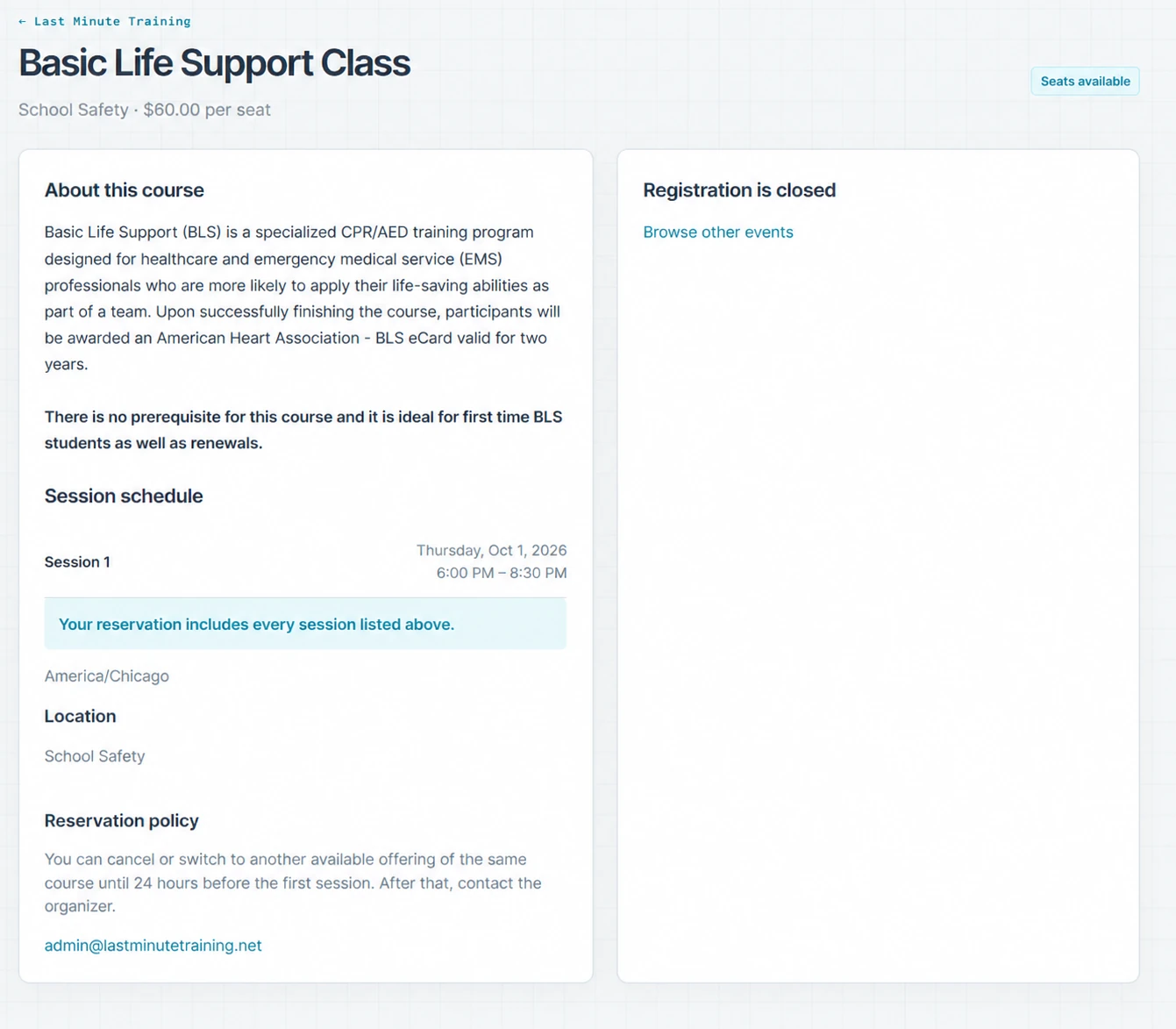
This screenshot shows the class information page for a past class, rather than an active signup form. Your organization controls class details, registration questions, and email wording.
Built from managing our own classes. RosterDock grew out of managing CPR and safety training at Last Minute Training in Bismarck, North Dakota. We built it to keep registrations, payments, attendance, and rosters together, then opened it up for other instructors and training organizations.
Created by Steven Featherston, owner of Last Minute Training. Questions and feedback go to [email protected].
Yes. Group registration lets a contact reserve multiple seats and supply attendee details, including adding names later where enabled.
Students use secure email links. They can request reservation links again without creating a student account.
Start free with no card required and no expiration. Online payments have a platform fee; Square processing fees apply separately.
Publish classes, accept registrations, and manage capacity.
Keep attendance, student records, and roster exports together.
Give students a simple registration experience without another account.
Organize recurring instructor-led safety and healthcare training.
Manage recurring education, instructors, attendance, and records.